Most features in a good study app come straight from learning research. The "show answer" button exists because of retrieval practice, review reminders come from the spacing effect, short lessons and clean screens come from cognitive load theory, and instant right-or-wrong feedback comes from decades of work on feedback in learning. Knowing these principles helps you tell a well-designed study tool from one that only looks productive.
This post is about design: which learning theories shape educational technology, what each one looks like inside an app, and a checklist you can use to judge any study tool.
Cognitive Load Theory and Interface Design
John Sweller developed cognitive load theory in the 1980s. Its core idea is that working memory can only handle a small amount of new information at once. Anything that uses up that space without helping you learn, like clutter, pop-ups or confusing navigation, makes learning harder.
What it looks like in an app: one question per screen, lessons split into small chunks, and information revealed step by step instead of all at once. A flashcard that shows a single clear prompt on a plain background is cognitive load theory in practice.
The Spacing Effect and Scheduling Algorithms
Hermann Ebbinghaus showed in 1885 that we forget quickly after learning and that spaced reviews slow forgetting. Over a century of research since then confirms that spreading study out works better than massing it.
What it looks like in an app: a daily review queue. Behind it is a scheduler that decides when each card comes back. Older apps use SM-2, a fixed formula from 1987. Newer ones use models like FSRS that learn from your own review history. Read what is FSRS for how that works. Tracking hundreds of review dates by hand would be impractical, which is why this is one area where software clearly beats paper.
Retrieval Practice and the "Show Answer" Button
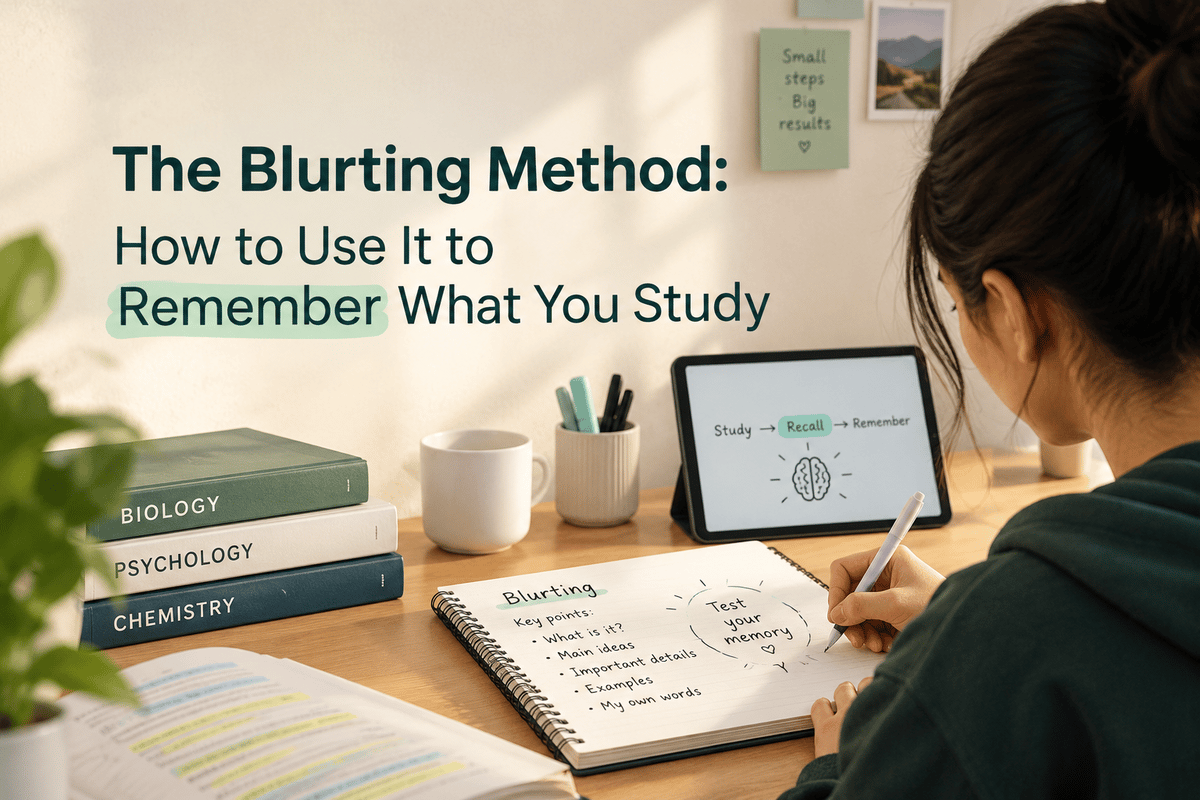
Learning research separates recognition (seeing an answer and thinking you knew it) from recall (producing it from memory). Studies by Henry Roediger, Jeffrey Karpicke and others show that practicing recall strengthens memory far more than rereading.
What it looks like in an app: the answer stays hidden until you've tried. Typed answers, fill-in-the-blank and practice questions push you to retrieve instead of recognize. An app that just shows highlighted notes skips this step.
Multimedia Learning and Audio-Visual Features
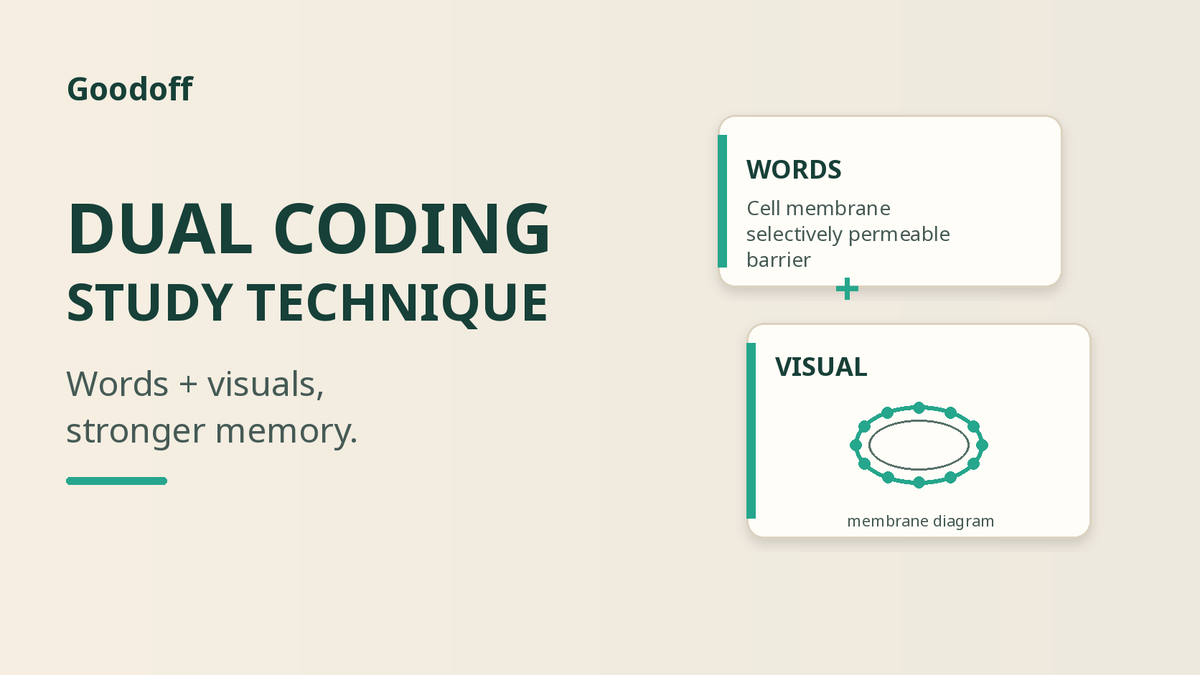
Richard Mayer's cognitive theory of multimedia learning shows that people learn better from words and pictures together than from words alone, as long as the two are tightly linked.
What it looks like in an app: labels placed right on a diagram rather than in a separate legend, narration that matches what's on screen, and audio versions of material for review away from a desk. Our post on dual coding covers the study side of this.
Feedback and Explanations
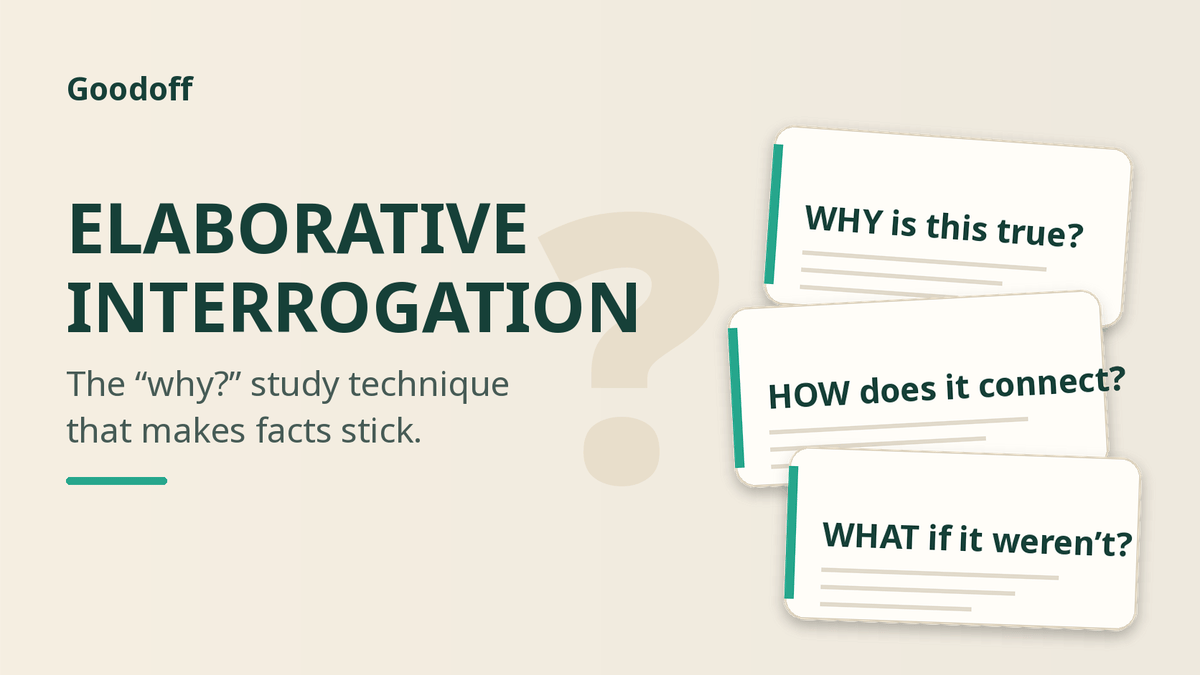
Research on feedback, including John Hattie and Helen Timperley's well-known 2007 review, shows feedback is among the strongest influences on learning, especially when it explains what to do next rather than just giving a score.
What it looks like in an app: an instant correct or incorrect signal, a short explanation of why, and progress views that show which topics are weak. See why studying without feedback doesn't work.
Social Learning and Motivation
Constructivist and social learning theories hold that we build understanding by interacting with others. Self-determination theory adds that motivation grows with a sense of progress, choice and connection.
What it looks like in an app: shared decks, study groups, leaderboards, streaks and progress badges. These help when they support studying and hurt when they reward screen time over learning.
How to Judge a Study App by Its Learning Theory
| Question to ask | Good sign | Warning sign |
|---|---|---|
| Does it make me recall? | Answers hidden until you try | Mostly reading and highlighting |
| Does it space reviews? | A scheduler decides what's due each day | You review everything every time |
| Does it explain mistakes? | Feedback on why an answer is right | Only a score |
| Is the screen focused? | One task at a time | Pop-ups, feeds and clutter |
| Does it show progress? | Accuracy and weak topics over time | Only time spent |
Where GoodOff Fits
GoodOff was built around these principles: it turns your notes or PDFs into flashcards and quizzes that make you answer before you see the answer, schedules reviews with FSRS, explains quiz answers, and shows accuracy and retention in analytics. It also offers audio podcasts of your material on paid plans and XP, streaks and leagues for motivation.
Frequently Asked Questions
What learning theories are used in educational technology?
The most common are cognitive load theory, the spacing effect, retrieval practice, multimedia learning, feedback research and social learning theory.
How does cognitive load theory affect app design?
It pushes designers toward small chunks, one task per screen and minimal clutter, so working memory goes to the material instead of the interface.
How can I tell if a study app is evidence-based?
Check whether it makes you recall answers, spaces your reviews, explains mistakes and tracks accuracy rather than just time spent.
Use the Checklist
Open the study app you use most and run it through the five questions above. If it fails two or more, it may be making you feel productive without helping you remember.