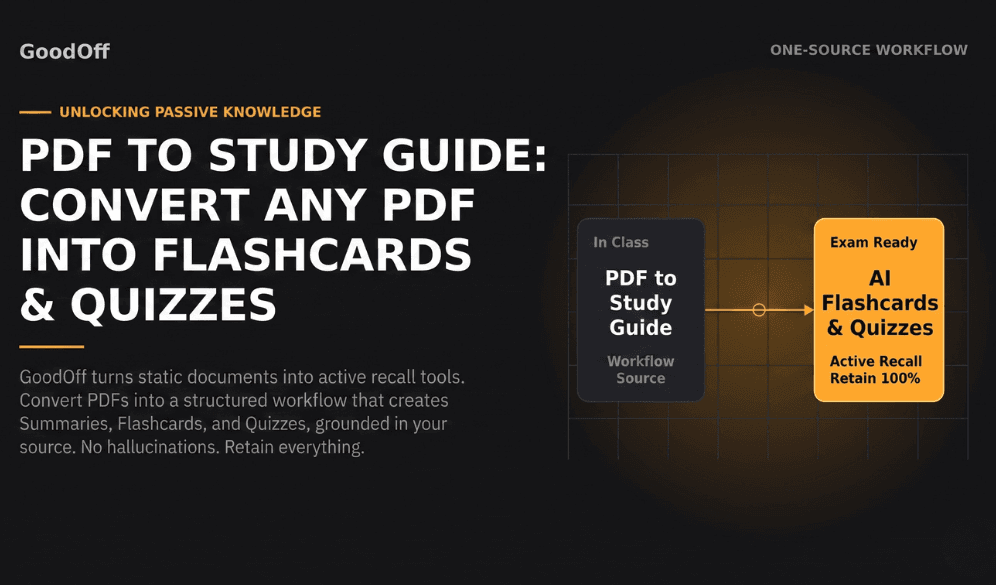
PDF to Study Guide: Convert Any PDF into Flashcards & Quizzes
Whether you are grinding through an 80-page medical slide deck, dense legal briefs, or complex engineering chapters, one thing is certain: manually writing study guides from scratch is a massive time sink.
You can easily spend 4 hours highlighting text, formatting headings, and copying definitions only to realize you haven't actually learned or retained any of the material yet.
What if you could drop a PDF into an app and instantly generate a complete active-learning kit equipped with concise summaries, interactive flashcards, practice quizzes, and an AI podcast to listen to on the go?
Here is a step-by-step breakdown of how to convert any PDF to a comprehensive study guide in seconds and how to turn static documents into long-term memory.
The Problem with Traditional PDF Summaries
Most students approach PDFs passively:
Open the PDF.
Read and highlight key lines.
Summarize sections in Notion or Word.
Re-read those notes right before exam day.
Cognitive science shows that passive re-reading produces poor long-term retention. The real magic happens when you force your brain to pull information out through active recall and review it over time using spaced repetition.
To truly master a topic, a study guide shouldn't just be a wall of static text—it needs to be an interactive study kit.
How to Convert a PDF into a Study Kit with GoodOff
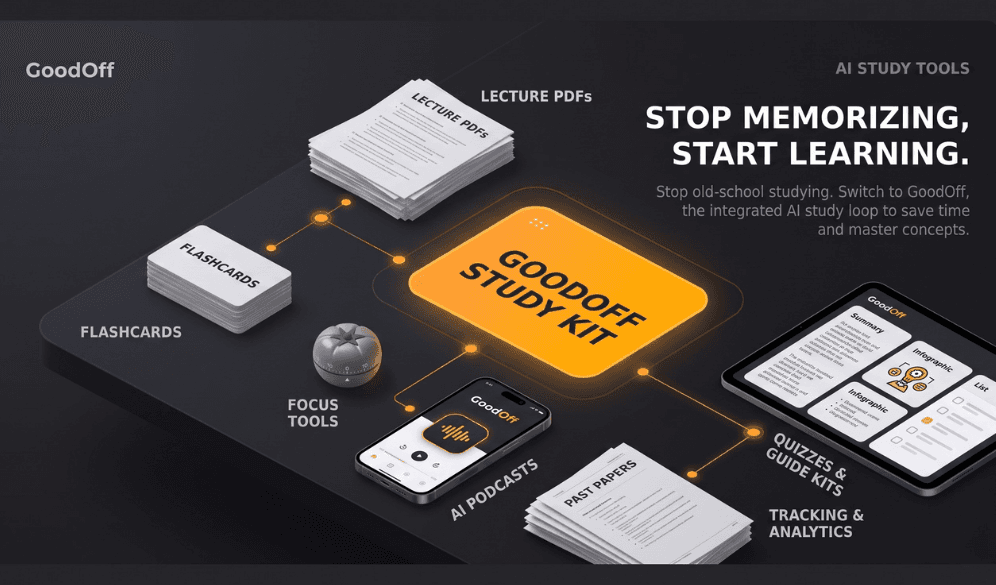
Instead of using one isolated tool for summaries, another for flashcards, and a third for timing your study sessions, GoodOff brings everything into one connected loop: Learn → Practice → Track → Improve.
Here is how you can transform any PDF in under a minute:
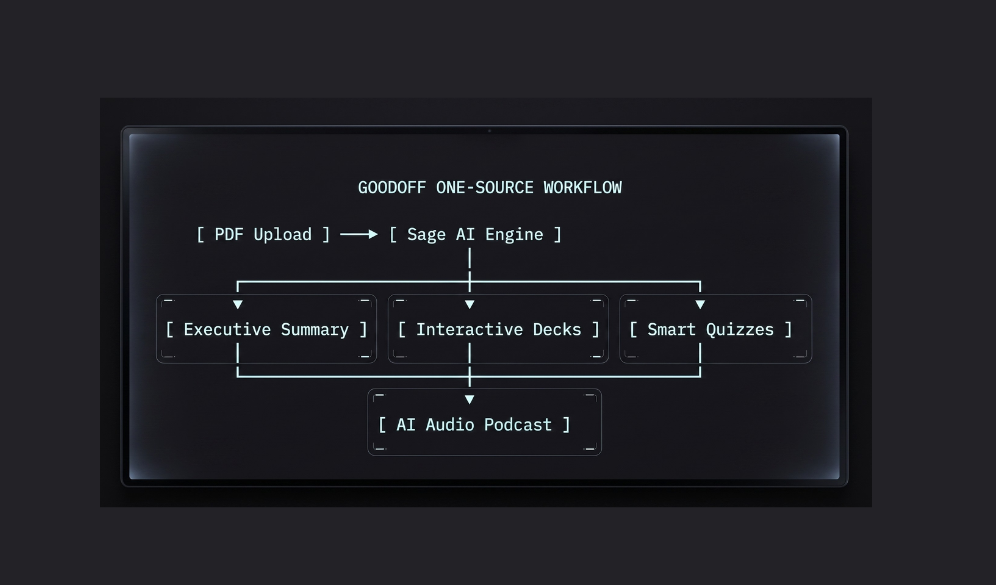
1. Upload Your PDF Document
Drag and drop your syllabus, textbook chapter, lecture deck, or reading assignment directly into GoodOff.
2. One-Tap Study Guide Generation
GoodOff’s AI reads and parses the document structure. In a single tap, it extracts:
Key Concepts & Definitions: Clear summaries broken down into scannable chunks.
Likely Exam Questions & FAQs: Anticipates the exact questions your professor or exam board is likely to ask.
Mnemonics & Key Takeaways: Simplifies complex theories so they stick.
3. Turn Concepts into Interactive Flashcards & Quizzes
A good summary tells you what to learn; practice tools make sure you retain it. GoodOff automatically generates smart flashcard decks and adaptive quizzes grounded directly in your uploaded PDF no hallucinated or out-of-scope answers.
4. Listen to Your PDF on the Go (AI Podcast Mode)
Tired of staring at screens? GoodOff converts your PDF study guide into an AI-generated audio podcast. You can review key exam concepts while walking, commuting, or at the gym.
3 Proven Ways to Study Faster Using PDF Summaries
1. Let FSRS Spaced Repetition Time Your Reviews
Don't guess when to study. GoodOff uses the FSRS (Free Spaced Repetition Scheduler) algorithm to schedule flashcard reviews right at the moment you're about to forget them. This cuts study time in half while keeping recall high.
2. Spot Your Knowledge Gaps with Sage AI
When you miss a quiz question or don't understand a card, don't leave the app. Ask Sage (GoodOff's source-grounded AI tutor) to explain why an answer is correct based strictly on your uploaded PDF.
3. Protect Deep Focus with Built-In Pomodoro
Long study sessions lead to burnout. GoodOff integrates a Pomodoro Focus Timer directly into your study workspace so you can protect 25-minute distraction-free blocks and track your total focus time.
Frequently Asked Questions
Can I upload multiple PDFs for one class?
Yes! You can organize your uploaded PDFs, notes, and generated decks into custom Libraries dedicated to specific subjects or exams (e.g., MCAT Prep, Organic Chemistry, or CPA Review).
How does GoodOff ensure the AI study guide is accurate?
GoodOff uses grounded AI generation. Everything created from quiz questions to study guide notes is generated directly from the exact text in your uploaded PDF, complete with citations.
Is there a free trial?
Yes, you can try GoodOff and build your first AI study kit for free.
Ready to Turn Your PDFs into Instant Study Kits?
Stop wasting hours manually creating study guides. Upload your lecture PDF, grab your generated study guide, and master your material with active recall today.
Try GoodOff Free for 7 Days and simplify your study routine.