To study from a PDF effectively, don't just read it from top to bottom. Preview the headings first, turn them into questions, read one section at a time, then close the file and recall what you learned. Finish by turning the key points into flashcards you review over the next few days. This changes a PDF from something you scroll through into something you practice with.
Here's why PDFs push you toward passive reading, and a step-by-step method that fixes it.
Why Studying From PDFs Feels So Hard
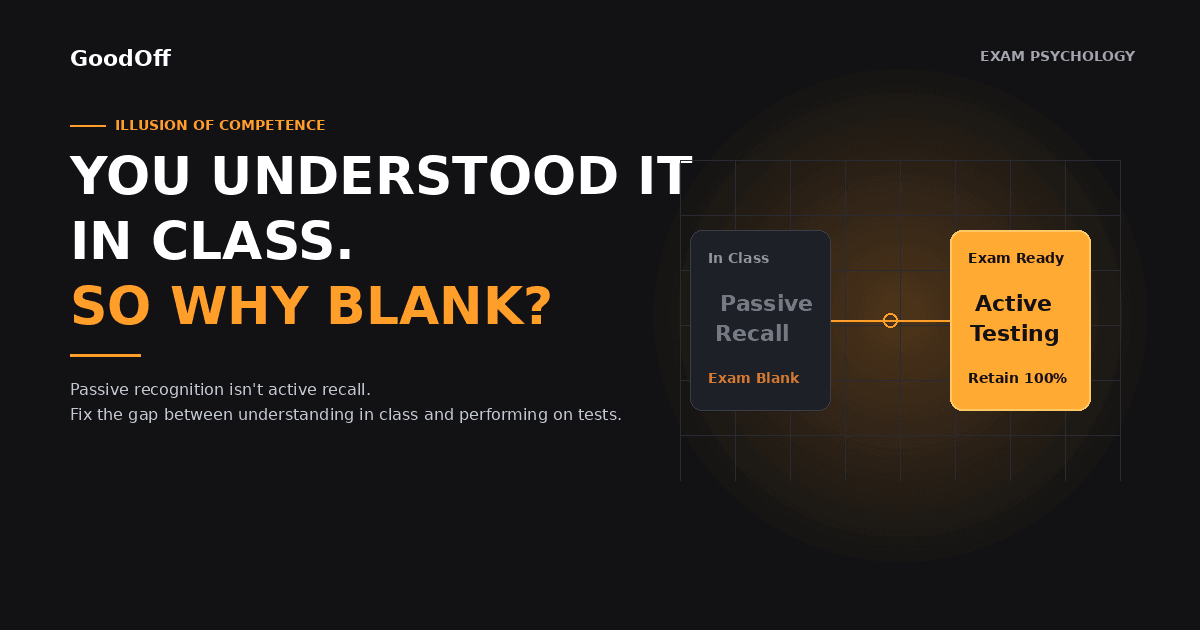
PDFs were made for printing, not for learning. They present long blocks of fixed text, and the easiest thing to do with them is scroll and highlight. That feels productive, but it's mostly recognition. When a page looks familiar, your brain assumes you know it, even if you couldn't explain it without looking.
Common PDF problems include:
Endless scrolling. With no natural stopping points, it's easy to read for an hour and retain very little.
Highlighting everything. Highlighting marks text without asking you to process it.
No built-in testing. A PDF never asks you a question, so you never find out what you don't know.
How to Study From a PDF in 6 Steps
1. Preview the whole document
Spend five minutes skimming the headings, figures, bold terms, and summary. You're building a map, not learning details yet. This is the "survey" step of the well-known SQ3R reading method.
2. Turn headings into questions
A heading like "Causes of Inflation" becomes "What causes inflation?" Write these questions down. They give your reading a purpose.
3. Read one section at a time
Read a single section with your questions in mind. Stop at the end of it instead of scrolling on. Short sections keep your attention from drifting.
4. Close the PDF and recall
Without looking, write or say everything you remember about that section. Then check the PDF and fill in the gaps. This is a form of active recall, and it's where most of the learning happens. The blurting method is a simple way to do this.
5. Make flashcards from the key points
Turn each important idea into a question and answer. Keep cards short, with one fact or concept per card.
6. Review on a schedule
Go over your cards the next day, then a few days later, then after a week. Spacing your reviews out like this helps you remember far longer than one big session. Our guide to spaced repetition explains how to set up a schedule.
Passive vs. Active PDF Studying
| Passive habit | Active alternative |
|---|---|
| Reading the whole PDF start to finish | Previewing first, then reading one section at a time |
| Highlighting long passages | Writing a question for each key idea |
| Rereading before the exam | Recalling from memory, then checking |
| Copying text into notes | Summarizing in your own words |
| One long cram session | Short reviews spread over several days |
Tips for Long or Dense PDFs
Split it up. Plan a 100-page reading as five 20-page sessions instead of one marathon.
Focus on what's tested. Use the syllabus, learning objectives, or past questions to decide which sections matter most.
Redraw diagrams. Sketching a figure from memory is a stronger test than looking at it.
Quiz yourself often. Testing yourself while you study strengthens memory more than reviewing the same page again.
How GoodOff Helps You Study From PDFs
Making flashcards and quiz questions by hand is the slowest part of this method. GoodOff can do that step for you. Upload a PDF and it creates flashcards, a quiz, and a study guide from it, and you can edit all of them before you study. Flashcards are scheduled with FSRS spaced repetition, so they come back right before you'd forget them.
If part of the PDF doesn't make sense, you can ask Sage, GoodOff's tutor. It answers from your uploaded material and shows the page it used, so you can check the answer against the original.
For the full workflow, read how to turn a PDF into flashcards with AI.
Frequently Asked Questions
Is it better to study from a PDF or a printed copy?
Either works if you study actively. What matters more is whether you recall and test yourself, not the format. Some students find printed copies easier to annotate without distractions.
Should I highlight PDFs when I study?
Light highlighting can help you find key ideas later, but it doesn't help you remember them on its own. Pair it with questions and recall.
How long should I study a PDF in one sitting?
Many students do well with 25 to 50 minute sessions followed by a short break. Stop at the end of a section so you can recall before moving on.
Can I turn a PDF into flashcards automatically?
Yes. Several apps, including GoodOff, create flashcards from a PDF. Always review the cards and fix anything that's wrong or unclear.
Start With Your Next Reading
Take the next PDF on your reading list, preview it for five minutes, and write three questions before you read. If you'd like the flashcards made for you, upload it to GoodOff and start reviewing tonight.